Free
For the occasional board.
$0
- Up to 100 pins per download
- 5 downloads every 7 days
- Original-quality images
- Sections saved as folders
- Pick exactly which pins to save
manifest.csvwith every pin's source
Chrome extension · Board Downloader for Pinterest
Moodstash downloads whole Pinterest boards — sections and all — into a tidy folder on your computer, in the resolution the pinner uploaded. It runs in your browser; nothing passes through our servers.
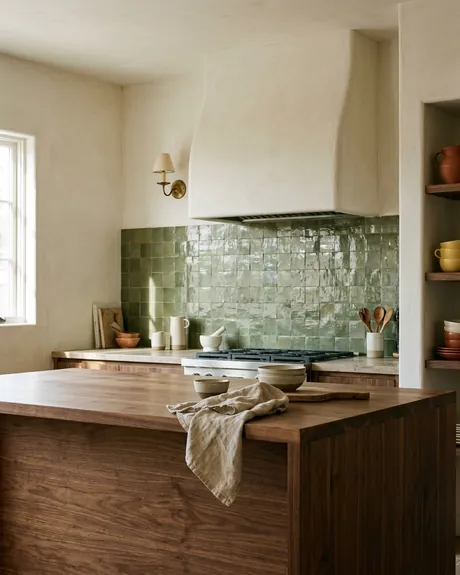
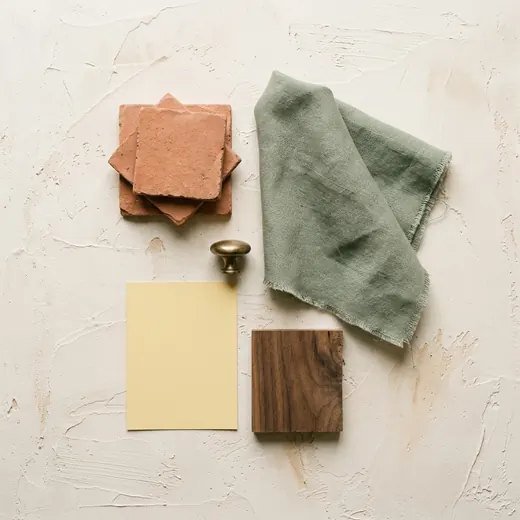
No copying links, no saving images one at a time. Moodstash works right on the Pinterest page you already have open.
Any board or section your Pinterest account can see. Log in for complete boards.
Save everything, or open the picker and choose exactly the pins you want.
Full-size files in board order, every section in its own folder.
A folder you can drop straight into Figma, Keynote, InDesign or a client handoff — organised the way your board is.
 001_Walnut island_1010847….jpg2400×3000original
 002_Green zellige_1010847….jpg1080×1350original
 060_Brass sconce_1010847….png1600×20001
 061_1010847078898530121.jpg736×11043
 062_Plaster hood_1010847….webp1200×1500original
Moodstash asks Pinterest for the image as it was uploaded, and only steps down a size if the original isn't served.
Pinterest loads pins inside sections separately from the rest of the board, so they're easy to miss. Moodstash fetches every section.
Numbered as they appear on the board, with the pin's title and ID in every name.
manifest.csv lists each pin's link, title, source website, file and real pixel size.
A thumbnail picker for when you only want some of them.
Huge boards split into parts; downloads slow down politely if Pinterest asks.
Templates like {board}-{index} or {date}_{title}.
Runs in your browser. No accounts, no analytics, no uploads.
A note on size
Pinterest never enlarges an image. If a wallpaper was pinned at 555 pixels wide, its original is 555 pixels wide — and that's what you should get. Moodstash always fetches the largest version that exists, and tells you when an original was simply uploaded small.
Original quality on every plan. Pro removes the limits — monthly, yearly, or once and done.
Free
For the occasional board.
$0
manifest.csv with every pin's sourcePro
Whole libraries, no limits, your file names.
Prices in USD; sales tax or VAT is added at checkout where it applies. Every plan has a 14-day money-back guarantee — see the refund policy.
Something else? Email support@moodstash.app — a real person answers.
Yes. The free plan downloads up to 100 pins at a time, 5 times every 7 days, in original quality. Pro removes those limits and adds custom file names.
For complete boards, yes. Pinterest only shows part of a board to visitors who aren't logged in, and Moodstash tells you when that happens. Moodstash reads the board the same way the Pinterest page does while you scroll — it never posts, follows, saves or changes anything on your account.
Any board or board section your Pinterest account can open. Moodstash cannot see anything you couldn't see yourself.
Not yet. Video pins are currently saved as their cover image and marked in the manifest. Video downloads are on our roadmap.
No. Downloading a pin doesn't give you rights to it. Images belong to their creators — use downloads for personal reference and moodboards, and get permission before publishing or reusing someone else's work. The manifest's source links make it easy to credit and contact creators.
Moodstash runs in your browser. Your boards and images go straight from Pinterest to your computer and never pass through our servers. We don't use analytics or tracking. The full details are in our privacy policy.
After checkout you receive a license key by email. Open Moodstash's settings in Chrome, paste the key and click Activate. One key works on up to 3 browsers.
Email support@moodstash.app and we'll help. Every purchase has a 14-day money-back guarantee — see the refund policy.
No. Moodstash is an independent product and is not affiliated with, endorsed by or sponsored by Pinterest, Inc.